

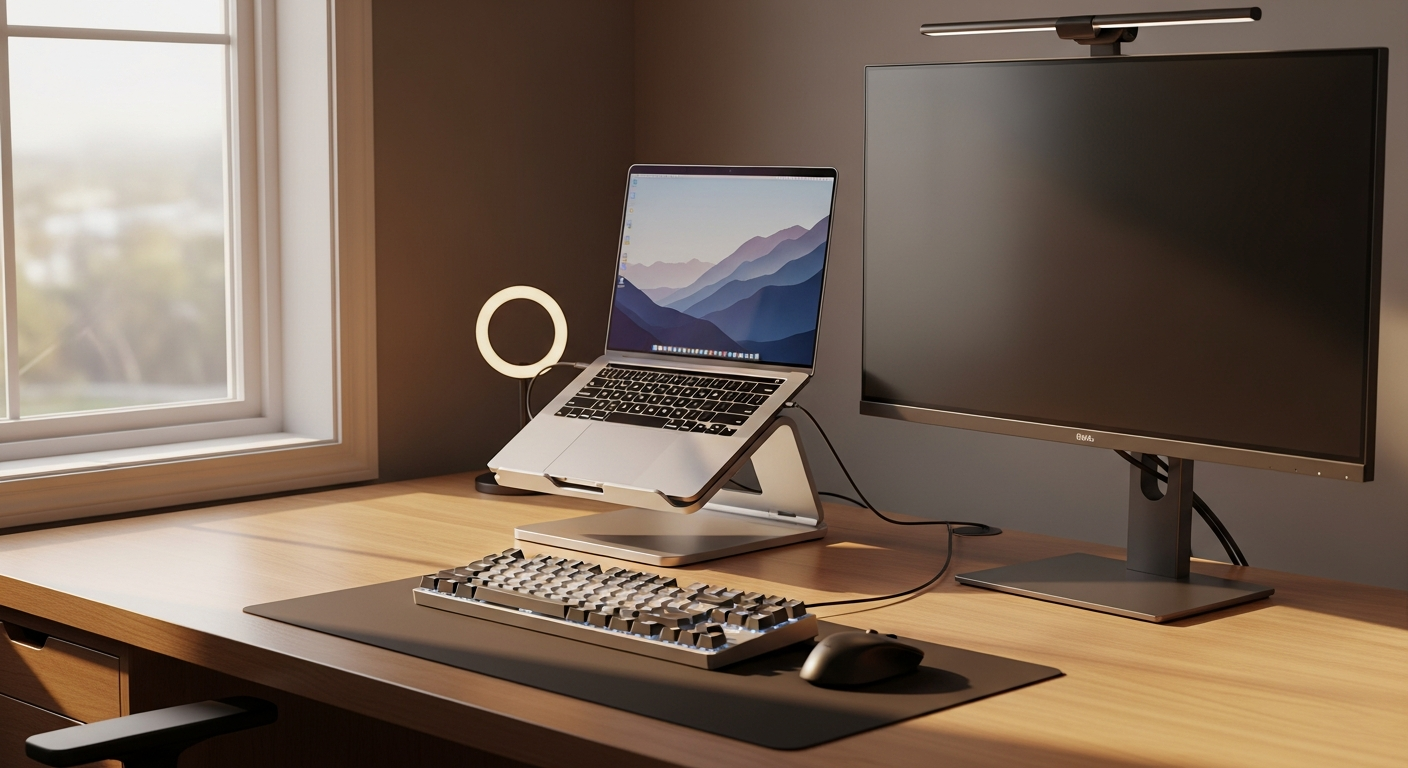
Your output has almost nothing to do with how hard you work and almost everything to do with where and how you work. The right setup eliminates friction that kills deep focus: bad posture, dropped calls, a screen too dim to read without squinting.
The Desk and Chair Foundation
A dedicated surface matters more than a premium one. Any flat, stable desk that fits a monitor at eye level beats a dining table covered in last night’s dishes. If space is tight, a wall-mounted fold-down desk creates clean separation between work mode and off mode.
The chair is where people chronically underspend. Six to nine hours a day, every day. Adjustable lumbar support, armrests that let your shoulders drop, and a tiltable seat pan change how you feel by 3pm. Mid-range ergonomic chairs from Autonomous, Flexispot, or a used Herman Miller outperform any dining chair regardless of cushioning.
Display: The Highest-Use Hardware Investment
A second monitor reliably reduces task-switching time. Research from the University of Utah found dual-monitor users completed tasks up to 44% faster than single-screen counterparts.
A 24-inch 1080p or 27-inch 1440p display covers most knowledge workers. For nomads, a portable USB-C monitor in the 15-to-16-inch range folds into a laptop bag and runs off a single cable. Add a laptop stand to bring your screen to eye level.
Keyboard and Peripherals That Don’t Punish You
Typing on a laptop keyboard for eight hours is a wrist posture problem in slow motion. A tenkeyless mechanical or low-profile keyboard keeps your hands at a neutral angle when paired with a separate mouse. Logitech’s MX Keys and Keychron’s K3 pair to multiple devices, which matters when you switch between machines.
Lighting and Audio for Calls
Video calls are professional interactions. A small key light positioned slightly above eye level fills shadows that cheap webcams amplify. The Elgato Key Light Mini runs off USB and sits on a desk arm without much footprint.
Audio matters more than video on most calls. A USB condenser microphone or a headset with noise cancellation removes the hollow echo of built-in laptop mics. The Blue Yeti Nano and HyperX SoloCast land under $80 and sound studio-quality on calls.
If you spend hours on calls daily, protecting your attention from call fatigue is part of the setup. There is a full breakdown in this piece on digital nomad burnout signs.
Internet Redundancy: The One Thing That Kills Productivity Fastest
A dropped connection mid-presentation is the single highest-cost failure in remote work. Build redundancy from day one.
At home, run primary work through a wired ethernet connection. Wi-Fi has variable latency; ethernet does not. Keep a mobile hotspot as backup. The trade-offs between a portable Wi-Fi device, eSIM, and local SIM cards are not obvious until you have burned money on the wrong option. The portable WiFi vs eSIM vs local SIM comparison breaks down which wins by scenario.
Ergonomics as a Productivity System
Ergonomics is not a comfort upgrade. Wrist pain, eye strain, and back tension compound and eventually force you offline for days.
Three rules that cost nothing: raise your monitor until the top of the screen is at eye level, position your keyboard so your elbows sit at roughly 90 degrees, and take a two-minute walk every 50 to 60 minutes. The best productivity books for remote work cover the habits worth building for the long haul.
Portable vs. Permanent Setup Priorities
Working from one location? Invest in a fixed monitor, a quality chair, and wired internet. The return on those three is immediate.
Moving frequently? Priorities shift to weight and cable simplicity. A laptop stand, compact keyboard, USB-C hub, portable monitor, and good earbuds fit in a single backpack compartment and recreate 80% of a fixed-desk experience anywhere with a table and an outlet.
Frequently Asked Questions
What is the single most important piece of a remote work setup?
Reliable internet, followed by a proper chair. Dropped connections and chronic back pain force unplanned downtime that erodes output over months faster than any hardware upgrade can offset.
Can I build a functional remote setup for under $500?
Yes. A used ergonomic chair, a 24-inch monitor, a mid-range keyboard and mouse, and a USB microphone cover the core needs well under budget. Skip branded markup and buy thoughtfully.
How do I improve video call quality without a studio setup?
Fix the light first. A $30 to $50 USB key light pointed at your face eliminates most grainy, shadow-heavy video. Add a basic USB microphone and your calls will look and sound noticeably better.